The key points
- A suitable dock needs approach space and maintenance access.
- Measure thresholds and furniture clearance against the exact model.
- Plan preparation, excluded areas and cleaning across separate levels.
Find a realistic home for the dock
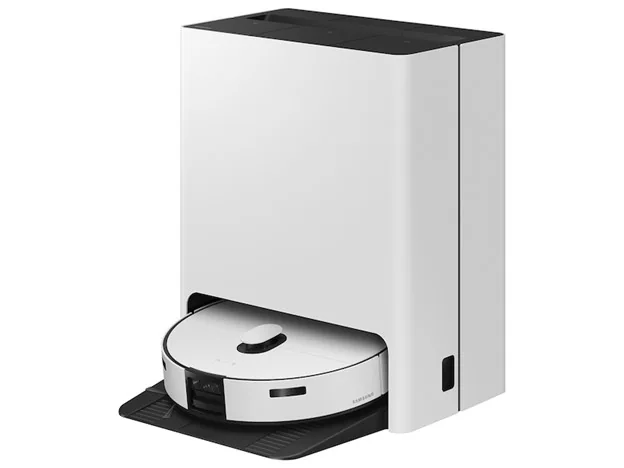
Start with a level position near suitable power and the network coverage required by the model. Measure the dock’s width, depth and height, then check the manufacturer’s approach and side clearances. Also allow access to any dust bag, water tank or lid. A dock that fits beneath a shelf may still be difficult to service there.
iRobot’s placement guidance calls for an open, uncluttered dock area away from stairs. Its specified measurements belong to the products covered by that guide. Use the instructions for your shortlisted robot and dock rather than applying another model’s clearances universally.
Trace the route through every room
Measure doorway thresholds and the clearance beneath furniture you want cleaned. Check the robot’s complete height, including any raised sensor assembly. Look for chair bases, narrow gaps and changes of floor level that could interrupt a route.
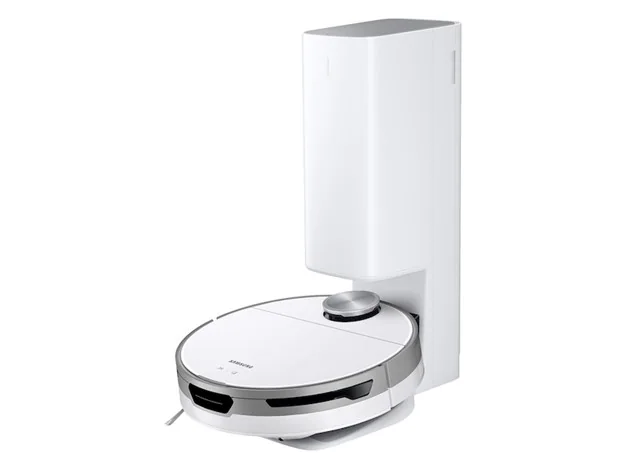
Samsung’s Jet Bot AI+ troubleshooting identifies cords and thresholds as possible causes of a robot becoming stuck. This is a useful reminder to assess your actual obstacles. Compare any advertised climbing or obstacle-handling ability with its conditions and limitations. A feature name does not guarantee that a particular rug edge or furniture base will be navigated.
Choose the preparation routine you can sustain
Loose charging cables, fabric fringes, small toys and other floor items deserve attention before a clean. Decide which objects you can reliably clear and which areas need to be excluded. Where a model supports mapping, room selection or no-go areas, verify the exact functions and how they are configured.
For a vacuum-and-mop model, check how it handles your carpeted areas and which settings or physical preparation are required. Do not infer mopping controls from vacuum navigation claims. Plan how separate levels will be cleaned, including any carrying, map changes or dock arrangements described in the manual.
Keep maintenance and other cleaning in the plan
Automatic cleaning still involves brushes, filters, bins and sometimes water tanks or dock bags. Read the maintenance schedule and check how easily you can reach those parts. Consider the furniture, edges and elevated surfaces that will need another cleaning tool.
For a Value House robot vacuum, confirm the exact model, dock type, included accessories and stated condition. Review listing-specific warranty terms and account or app requirements. Clarify any missing dock or mapping detail before choosing, and arrange pickup by appointment once the complete package suits your home.
Before you buy
- Measure dock space and check the manufacturer’s clearances.
- Map thresholds, low furniture and potential trapping points.
- Verify mapping, exclusion and mopping features individually.
- Confirm the supplied dock, accessories, condition and warranty terms.
Sources & further reading
Prepared with AI assistance using the manufacturer and Australian guidance linked below. Check the exact model’s documentation when planning a purchase or installation.