The key points
- Compare runtime only after reading the mode and attachment conditions.
- Distinguish removable, swappable and service-replaceable battery arrangements.
- Check the supplied battery and charger in the individual listing.
Read the runtime footnote
Find the conditions beside any maximum-runtime claim. Check the power mode, whether the test uses a powered cleaner head or a non-motorised tool, and whether the stated time involves one battery or more. Numbers obtained in different modes do not describe the same cleaning situation.
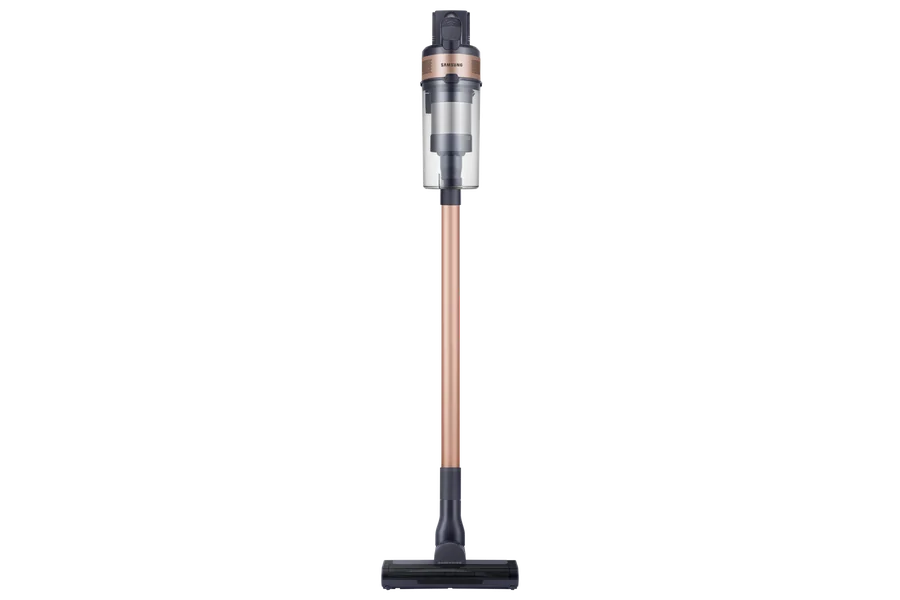
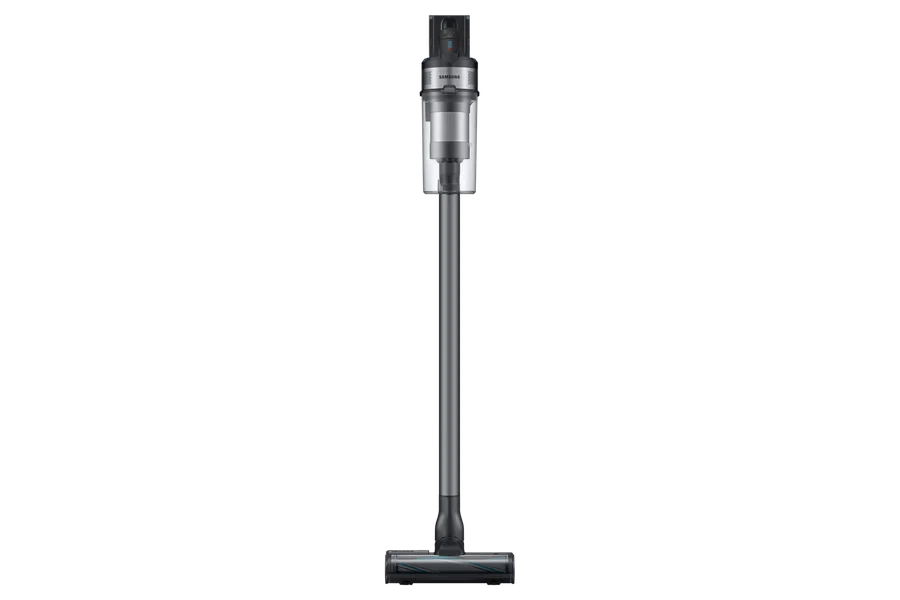
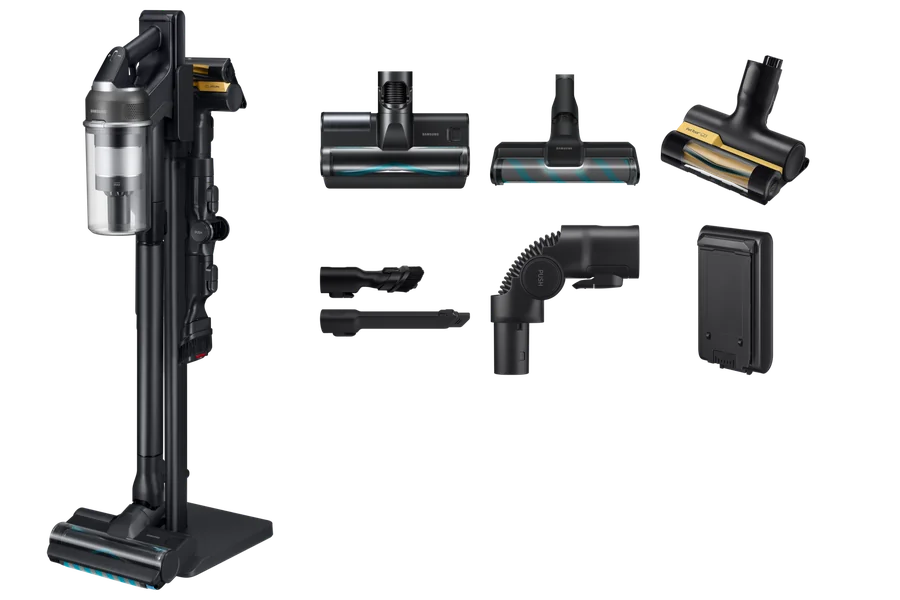
Samsung’s Jet 95S page, for example, qualifies its maximum runtime using the minimum power level and a non-motorised tool. That does not establish the runtime with a powered floor head or a stronger setting. Apply the same questions to every shortlisted model instead of ranking machines by the largest number.
Estimate the cleaning session you need
Time a typical clean, paying attention to how long you are actively vacuuming rather than moving furniture or tidying. Note carpeted sections, stairs and upholstery, because you may use different tools and modes for each. This gives you a practical requirement to compare with the available manufacturer information.
If a manufacturer publishes runtime for several configurations, use the one closest to your planned task. Where only a maximum is supplied, keep the uncertainty visible. Automatic power adjustment can also change runtime during use; it should not be treated as a fixed-duration promise.
Check charging and battery replacement separately
A removable battery, an easily swappable battery and a battery that a service technician can replace are different arrangements. Dyson’s V15 Detect product information describes click-in batteries for that model; this feature should not be assumed across all cordless vacuums.
Read the exact replacement and charging instructions. Confirm the approved battery part, whether a spare is included and whether it charges separately or only through the machine. Consider the time between cleaning sessions and the space needed for the charger. Use the manufacturer’s approved process and service support rather than opening a battery pack.
Check what the individual listing tells you
For a Value House cordless vacuum, confirm the supplied battery, charger and cleaner heads. Read the stated condition and any battery information in the listing. Do not assume the battery is new or that its present runtime equals a new-product laboratory maximum. Review the warranty terms shown for that particular item.
If battery condition or replacement arrangements are unclear, clarify them before choosing. A machine with a manageable charge routine may suit you better than one with a longer headline number measured in a configuration you will rarely use. Arrange pickup by appointment once the complete package meets your needs.
Before you buy
- Record runtime conditions for each shortlisted machine.
- Estimate active cleaning time for your usual floors and tools.
- Check charging time and approved replacement arrangements.
- Confirm battery condition, accessories and listing-specific warranty terms.
Sources & further reading
Prepared with AI assistance using the manufacturer and Australian guidance linked below. Check the exact model’s documentation when planning a purchase or installation.