The key points
- Check stand depth and foot spacing, not just cabinet width.
- VESA pattern, weight and model requirements all affect bracket suitability.
- Use a qualified installer to assess and fit a wall mount.
Check the supplied stand and the furniture
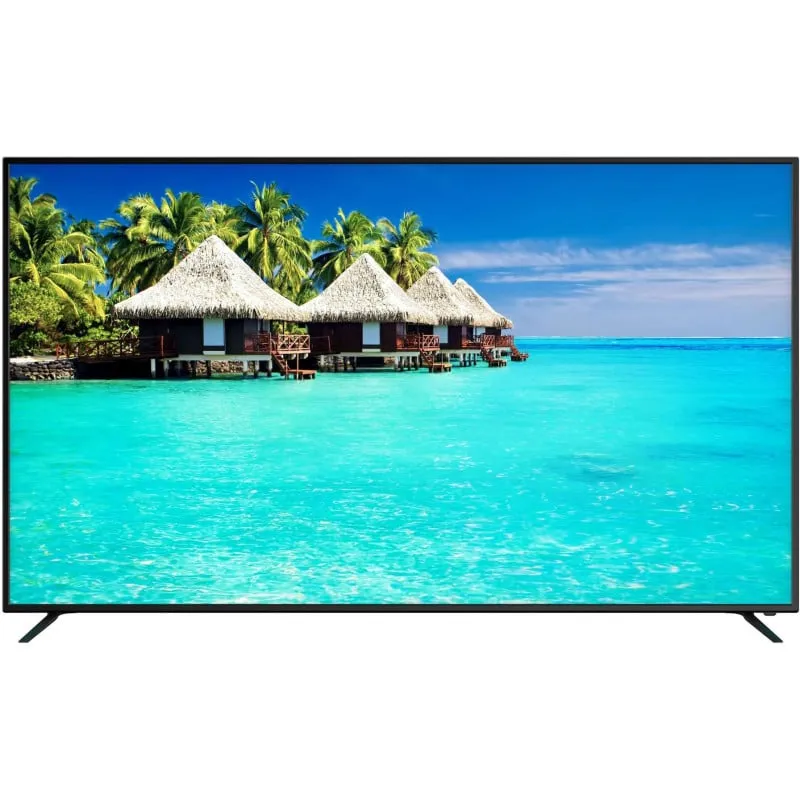
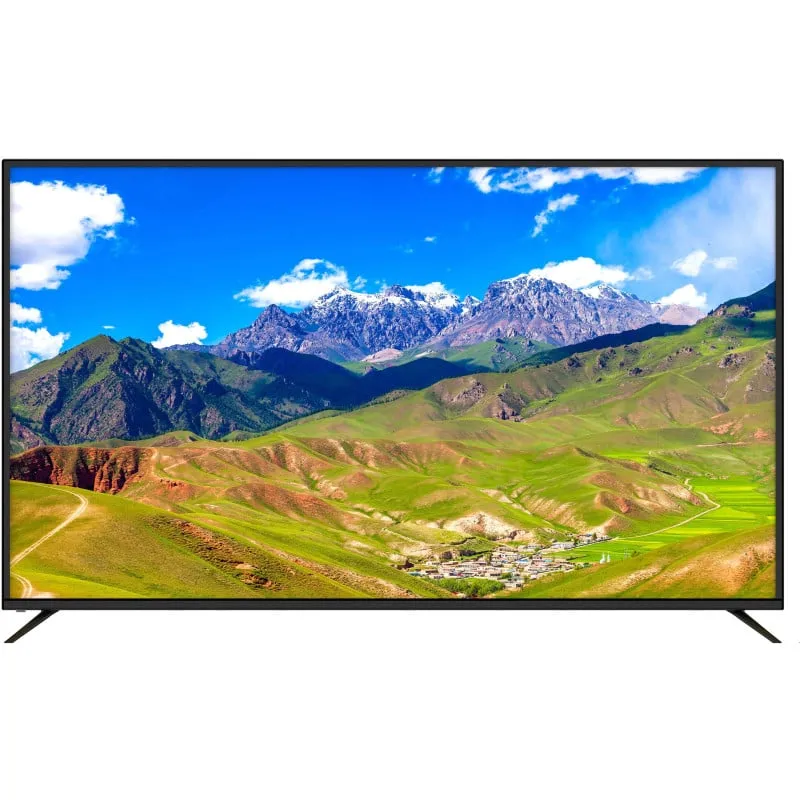
Find the model’s dimensions with its stand fitted, including the width between separate feet and the full front-to-back footprint. A cabinet wider than the screen can still be too shallow for the stand. Confirm that the furniture is suitable for the television’s weight and follow the supplied positioning instructions.
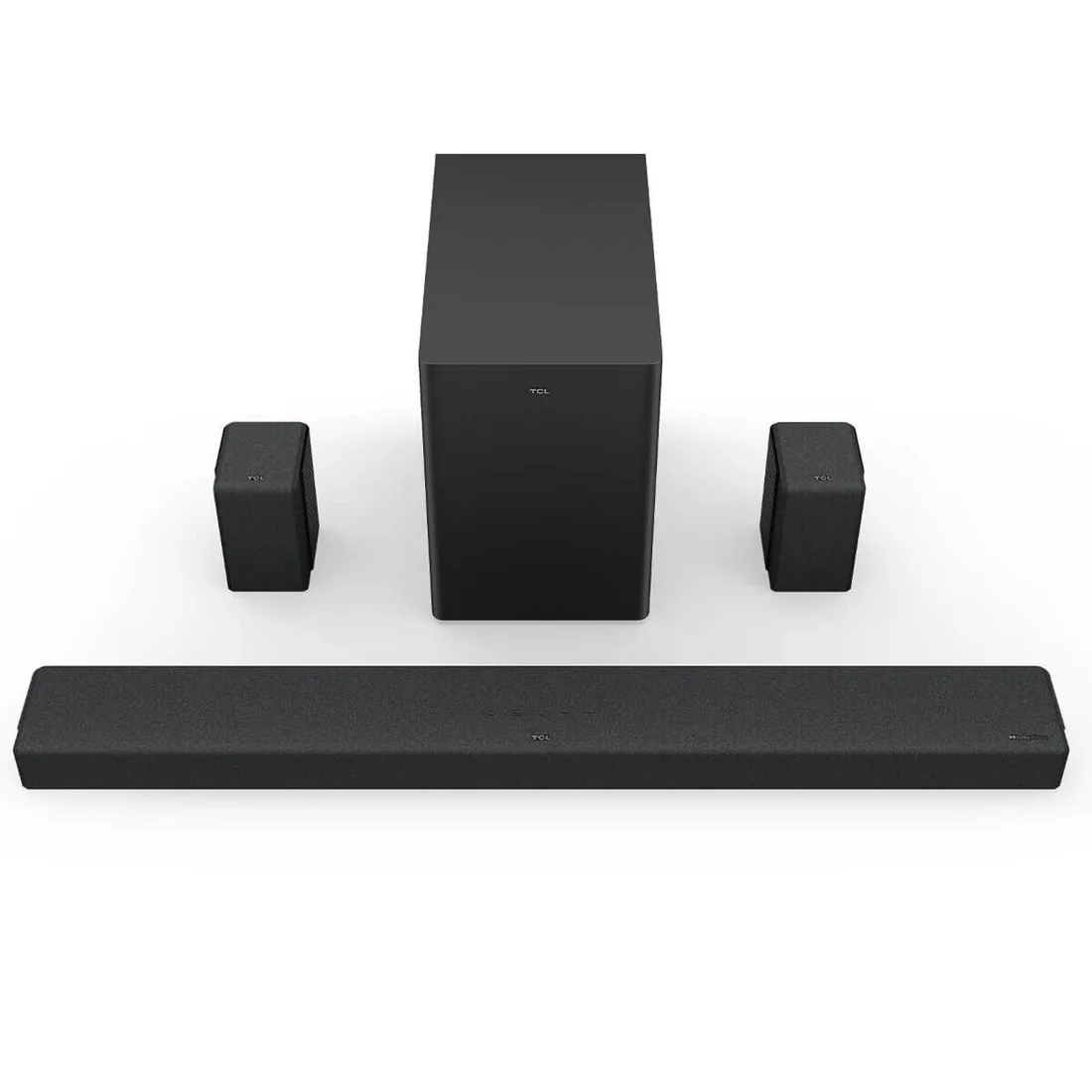
Check whether every required stand part is included in the particular listing. Do not substitute a similar-looking leg or fastener without manufacturer confirmation. Consider door swings, walkways and the space needed for a soundbar before committing to the cabinet arrangement.
Treat VESA as one compatibility check
For wall mounting, record the exact television model, its weight without the stand and the VESA mounting pattern where specified. The VESA pattern describes the mounting-hole arrangement. The bracket must also suit the television’s size, weight, construction and any model-specific mounting requirements.
Samsung’s mounting guidance discusses VESA patterns and screw compatibility, but a matching hole pattern alone does not establish that the complete installation is suitable. Have a qualified installer confirm the bracket, fixings, wall structure and manufacturer requirements. This is planning information, not a wall-mount installation procedure.
Plan the picture height and cable access
Mark the proposed screen outline and sit in your normal position. Check that you can watch comfortably without holding your head at an awkward angle. Assess the side seats as well as the centre. Avoid choosing a height solely because it aligns neatly with a shelf or decorative feature.
Give the installer a list of connected devices and allow access to HDMI ports and power. A close-fitting bracket can affect plug clearance. Any new power point or electrical work needs an appropriately licensed electrician; plan it before the television is fitted.
Include stability in either arrangement
A stand-mounted television still needs attention to anchoring and the stability of its furniture. Samsung’s Australian anchoring guidance recommends securing the product and seeking professional advice where the surface or anchoring device is uncertain. Follow the instructions for the particular television and furniture rather than borrowing a solution from another room.
For a Value House purchase, check the listing’s condition, stand or bracket inclusions and warranty terms. Share the exact model with your installer before booking the work. Arrange pickup by appointment and organise transport suitable for the television’s size and manufacturer handling guidance.
Before you buy
- Measure the stand footprint and suitable furniture capacity.
- Confirm the exact included stand or mounting accessories.
- Have a qualified installer verify wall and bracket compatibility.
- Plan comfortable height, anchoring, cables and any electrical work.
Sources & further reading
Prepared with AI assistance using the manufacturer and Australian guidance linked below. Check the exact model’s documentation when planning a purchase or installation.